CatScribe Beta — Windows & Linux available
Windows and Linux (.deb) installers are available now.
Translate EPUB, DOCX, PDF, and subtitles with glossary-driven workflows, timing-aware tools, and local AI.
A CAT (Computer-Assisted Translation) tool helps translators work with glossaries, segments, and consistency — AI assists; you stay in control.
Offline-first · Privacy-focused · Local AI powered
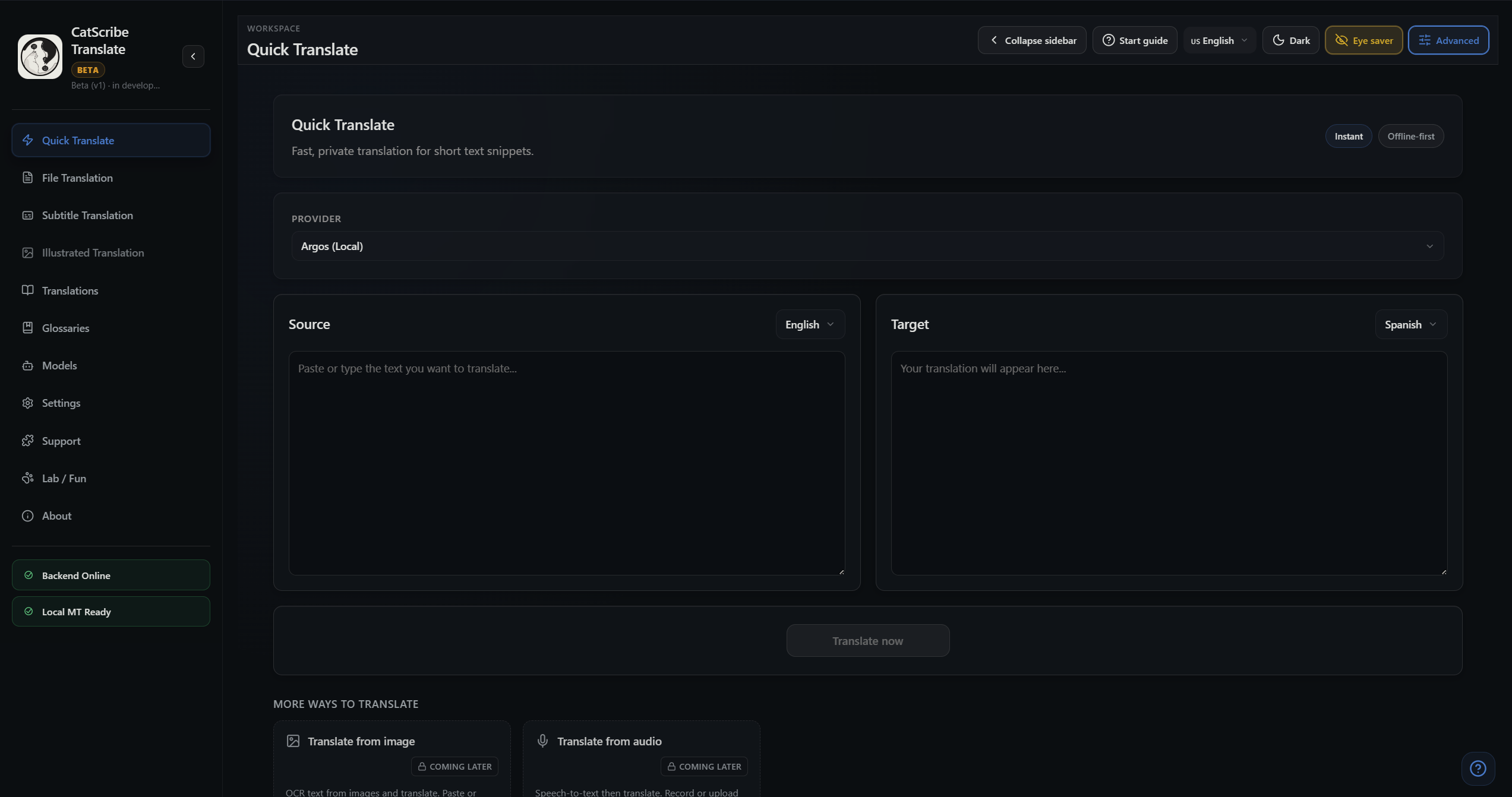
Fast snippet translations using local engines with clean UX.
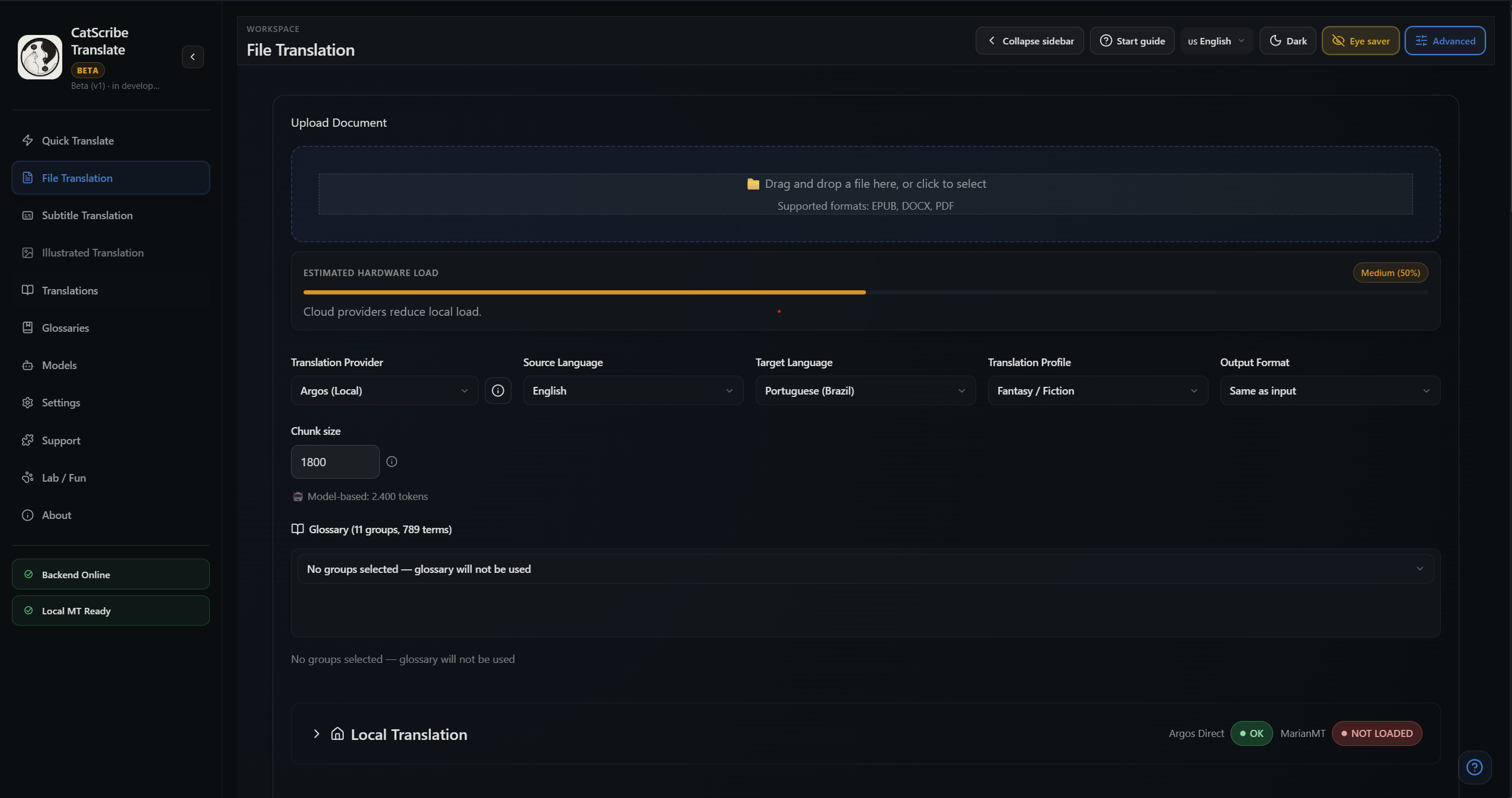
Chunked translation for EPUB/DOCX/PDF with progress + stability.
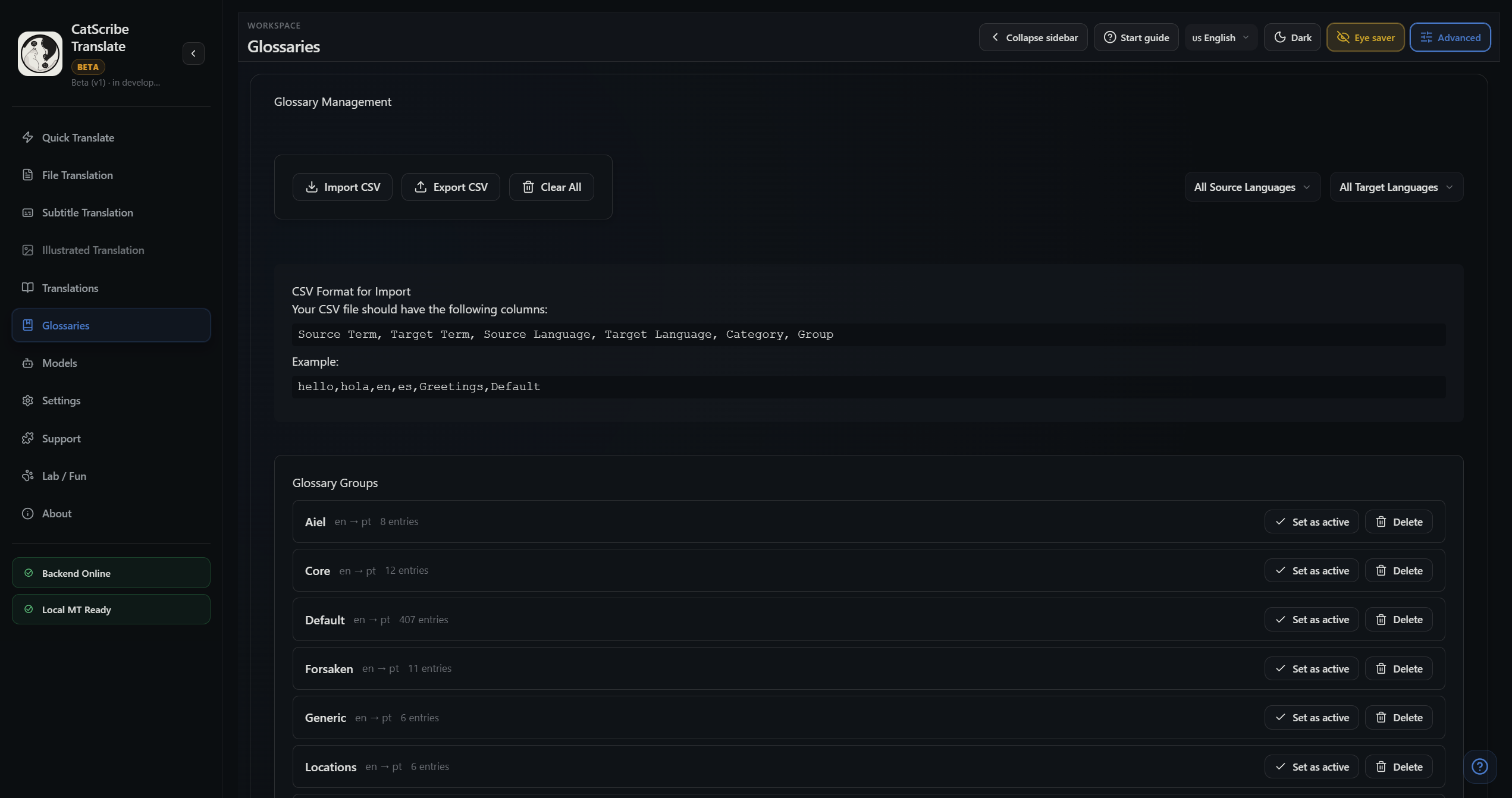
Keep names, places, spells consistent across an entire series.
Translate SRT and VTT subtitles with professional tools: timing-aware chunk translation, CPS validation, dialogue continuity, auto-sync alignment (optional Whisper-based).
Use LM Studio as a local provider to run compatible models with the same offline CAT workflow and glossary controls.
Future workflow for manga, comics, and illustrated storytelling: panel-aware translation, dialogue bubble workflows, visual narrative context.
Telemetry is anonymous and used only to improve performance and stability. You can opt out in-app at any time.
CatScribe Translate is a CAT (Computer-Assisted Translation) tool: an offline AI translation workspace and desktop application for translating books and long documents with glossary consistency, translation memory, and per-segment editing so humans can refine the output.
If this tool helps you, consider supporting the project.
Split long docs into stable segments for reliable translation.
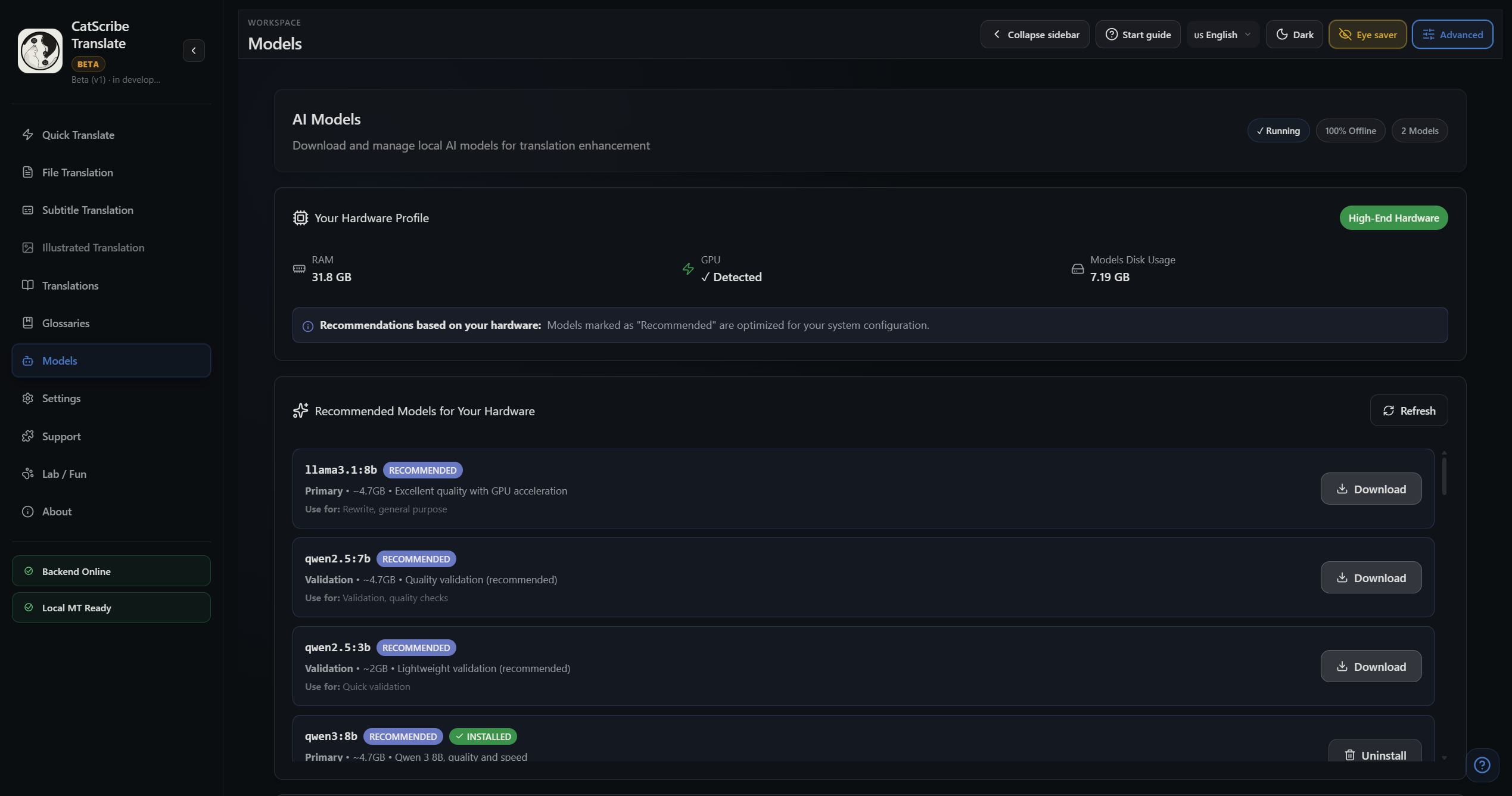
Run translation on your machine (Ollama, etc.).
Review and edit each segment to reach publication quality.
Consistent terms across the entire book.
Reuse past translations for consistency.
No data leaves your device.
CatScribe uses AI-based evaluation to measure translation quality — not just generate text.
Translation Quality Validation powered by BLEU and COMET. BLEU is always available for instant quality feedback, while COMET adds advanced neural evaluation when installed.
AI-evaluated translation quality
Human-like quality estimation
Confidence scoring for long-form content
Designed for books, subtitles, and large projects
High quality — minimal revision needed
Timing offset + stretch, dialogue consistency, episode-level memory, offline subtitle workflows.
Manga workflows, comic translation, visual context awareness.
Your documents never leave your device. No cloud uploads, no third-party access to your text.
No per-token surprise bills. Run local models or choose when to use paid APIs.
No paste limits or context caps. Translate whole EPUBs, DOCX, and PDFs in one flow.
Glossary and translation memory keep names and terms consistent — unlike ad-hoc chat prompts.
CatScribe Translate is a CAT tool with file-in, glossary-driven workflows and segment-level editing. Chat-based tools (e.g. ChatGPT, DeepL paste) work one-off without glossary enforcement or translation memory.
Unlike DeepL or ChatGPT workflows, CatScribe Translate provides glossary consistency and book-length workflows offline.
| Product | Offline capable | Book-length workflows | Subtitle synchronization | Glossary consistency | Local models | Cost predictability | AI Quality Analysis |
|---|---|---|---|---|---|---|---|
| CatScribe Translate | Yes | Yes | Yes | Yes | Yes | Yes | Yes |
| DeepL | No | Partial | No | No | No | Partial | No |
| ChatGPT | No | No | No | No | No | Partial | No |
| LM Studio workflows | Yes | Partial | No | No | Yes | Yes | No |
These are real UI screens from the current build.
Send feedback, bug reports, or feature requests. This will create a ticket.
Destination: support@catscribetranslate.com
Subscribe to receive news and updates.
Your message is sent to our support inbox and stored as a ticket for tracking.
Tip: include your platform and app version. If you can, add steps to reproduce.
For privacy: do not paste passwords or sensitive info.
CatScribe Translate is an offline-first translation workspace built for large books and long documents. It focuses on consistency (names, places, terminology), robust chunked translation, and privacy.
CAT stands for Computer‑Assisted Translation. It helps translators work faster and more consistently using glossaries, translation memory concepts, segmentation/chunking, and QA workflows.
Your files stay on your machine. You can translate with local engines (LibreTranslate / MarianMT) and optionally use cloud providers only when you choose.
Designed for fantasy series and long novels: glossary groups per book, consistent term usage, and stable long-running translation jobs.
Telemetry is anonymous and optional. It helps us understand stability and performance (crashes, speed, feature usage) without collecting the content of your documents.